
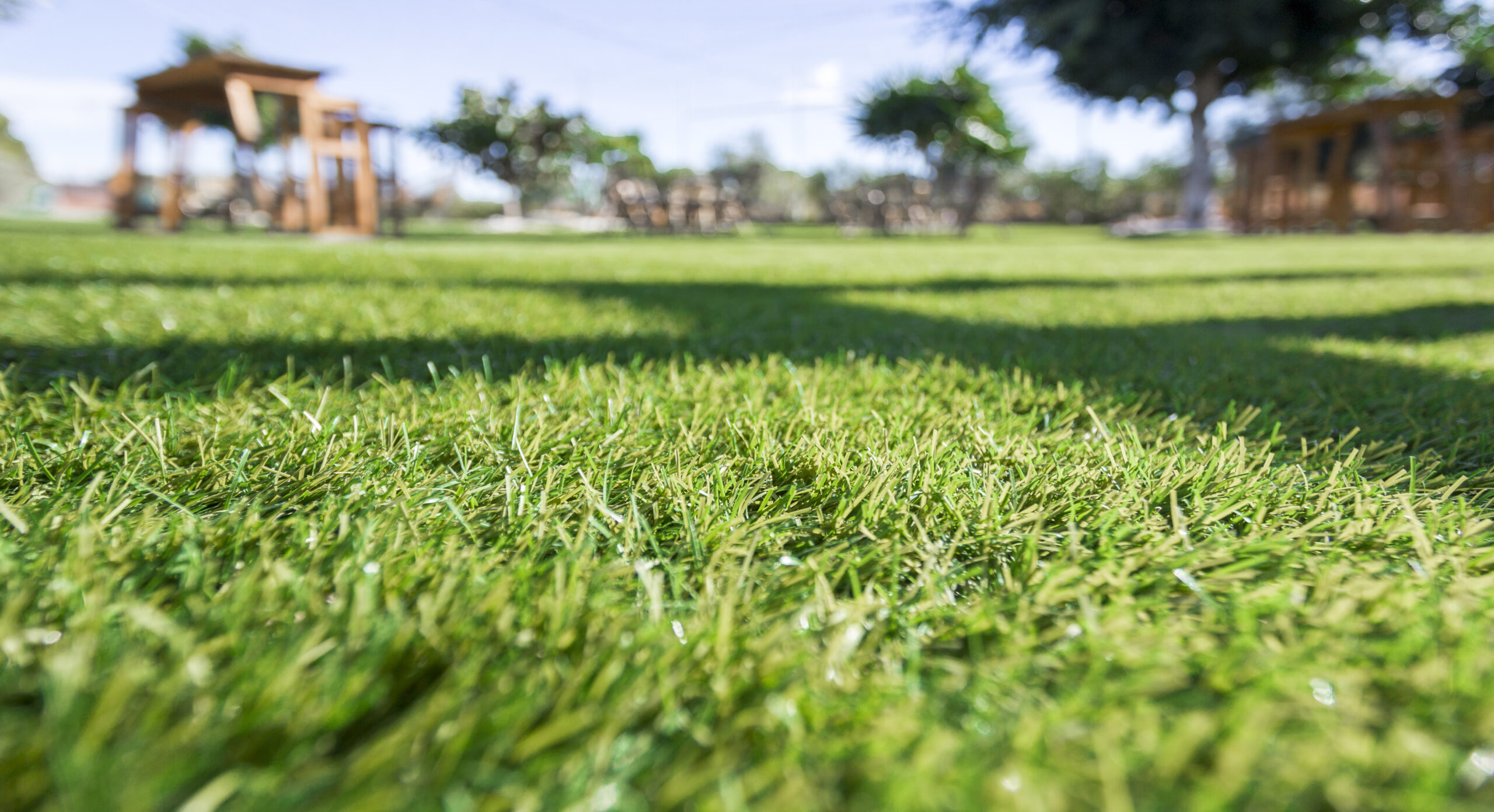
You should have a planning process before you begin an artificial turf installation. Here are several important steps to follow in the process of installation:
Step 1. Prepare the area and materials.
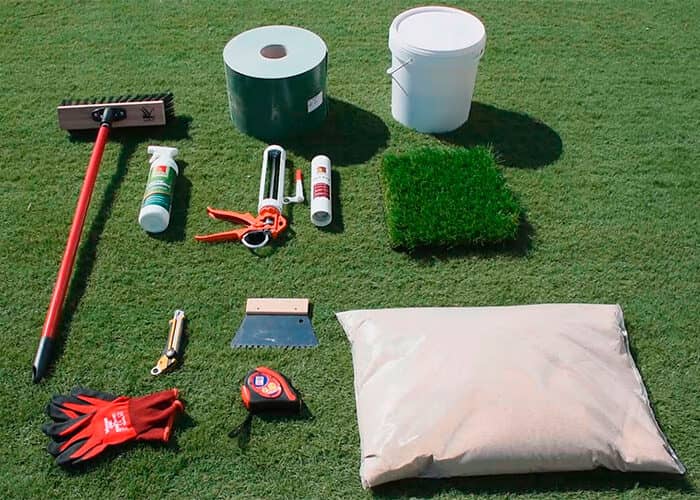
Check the area where you will install the artificial turf and its surroundings visually. Planning will make the installation process simple. Clean the area where you will be working and decide what tools you will need. Next, clear a small area to access the area where you will work.
Step 2. Excavation.
You will need hand tools to work in small areas during the excavation process. You can use a grass trimmer to clean the area and clear out any roots that may be there.
Step 3. Define the perimeter.
Now is the time to make any necessary changes in the irrigation, drainage system, or any other elements in the area. You must remove any irrigation, gas, electric, or telephone installations whenever possible.
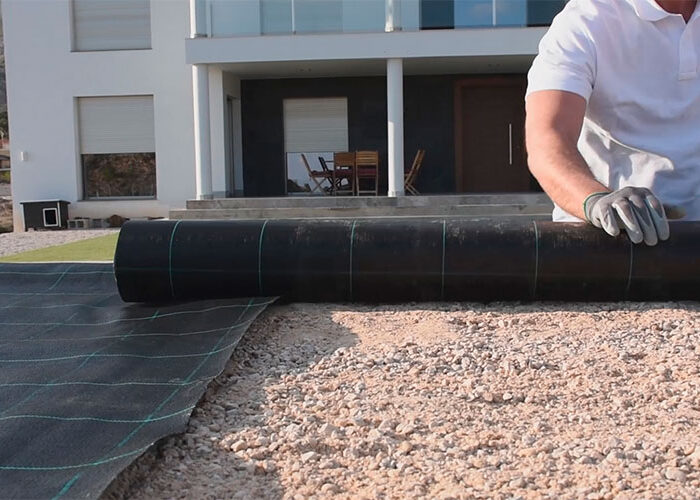
Step 4. Place a weed-block fabric.
The weed-block or non-woven fabric improves the structural integrity of the installation. It gives stability and enhanced durability to the installation. A weed-block fabric of .3 in (is the ideal one to protect the installation from the growth of roots and even pests or rodents. There are different types of weed-block fabrics to choose from.
Step 5. Base Installation.
To get the best results, start at the back. Lay 3 to 4 inches of compacted material mixed with rocks of ½ to 0.8 inch and thinner ones. Lay the material horizontally in layers, and avoid placing any heavy loads on the base before compacting.
Step 6. Compacting the base.
The base must be smooth and even with well-defined edges. You’ll need to press by hand a roller filled with water to compact the base quickly. All the edges must be clear of rocks and debris.
Step 7. Measuring, laying, and setting the new artificial grass.
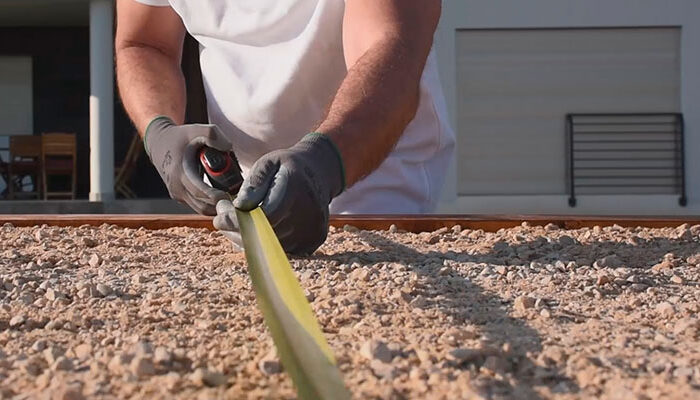
Make sure you have the design of your installation is well defined and clear. Check the installation surface and measure several times. Roll out the artificial grass on a flat surface. If you see any wrinkles or creases on the grass, leave it flat on the surface for a few hours. Measure and cut the largest piece of grass you’ll need. Cut any fringes around the piece of grass. Re-roll the artificial grass and save for installation.
Step 8. Lay out the grass and trim the edges.
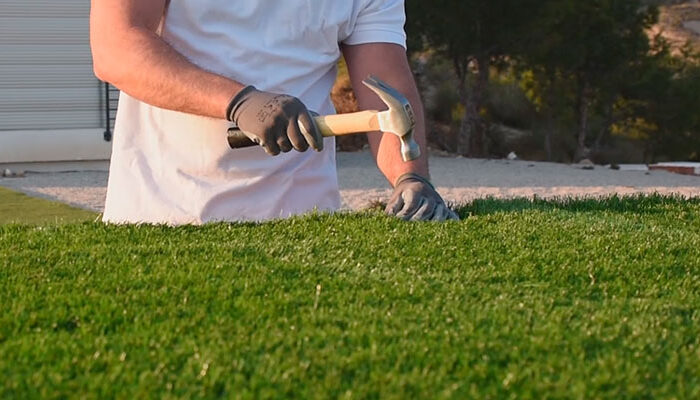
Walk carefully over the grass to avoid moving it. Anchor the edges with nails or staples of 3 to 5 inches. Make sure the cutter blades are sharp and make very precise, clean cuts. The artificial grass should be cut at a distance of ¼ inch from walls, sidewalks, or any other elements.
Step 9. Secure the edges and tidy up the surface.
You can avoid the change of shape of the materials due to weather changes by anchoring the perimeter of the artificial grass with 5-inch nails. The best way to secure the perimeter is to anchor it to a flexible material such as bender board. Next, clean any fiber debris that may have fallen during the installation process. You can now brush the artificial grass to restore the fiber to its upright shape and sweep the area.
Step 10. Infill and finish.
You’ll need your infill materials, hand tools, and a drop spreader. The drop spreader is a key element to make sure the infill is installed evenly. Make sure you go slowly and don’t overlap the rows while dropping the infill. Use a stiff synthetic push broom or a carpet rake to sweep and pull up the fiber blades. This will also help to distribute the infill material evenly and deep into the artificial grass. Do all the necessary finishing touches by hand, especially around the edges.
All these steps will help you make your artificial grass installation look beautiful. Below, we give you a link to a video on how to install artificial grass on the ground.
If you prefer to spend your free time on other activities, do not hesitate to find a professional installer.

2 Responses
When I originally commented I clicked the -Notify me when new feedback are added- checkbox and now each time a remark is added I get 4 emails with the same comment. Is there any manner you’ll be able to remove me from that service? Thanks!
Yikes, I can definitely see that being annoying. We will remove you from live updates. Thanks for letting us know.